Jump to a section
- Describe restricted content in markup and enforce access in the site
- Chart or diagram
- Decide whether the full text may reach a nonmember
- Do not let SEO settings decide the subscription product accidentally
- Inspect the response from each reader’s point of view
- Test access across cached and uncached delivery
Describe restricted content in markup and enforce access in the site
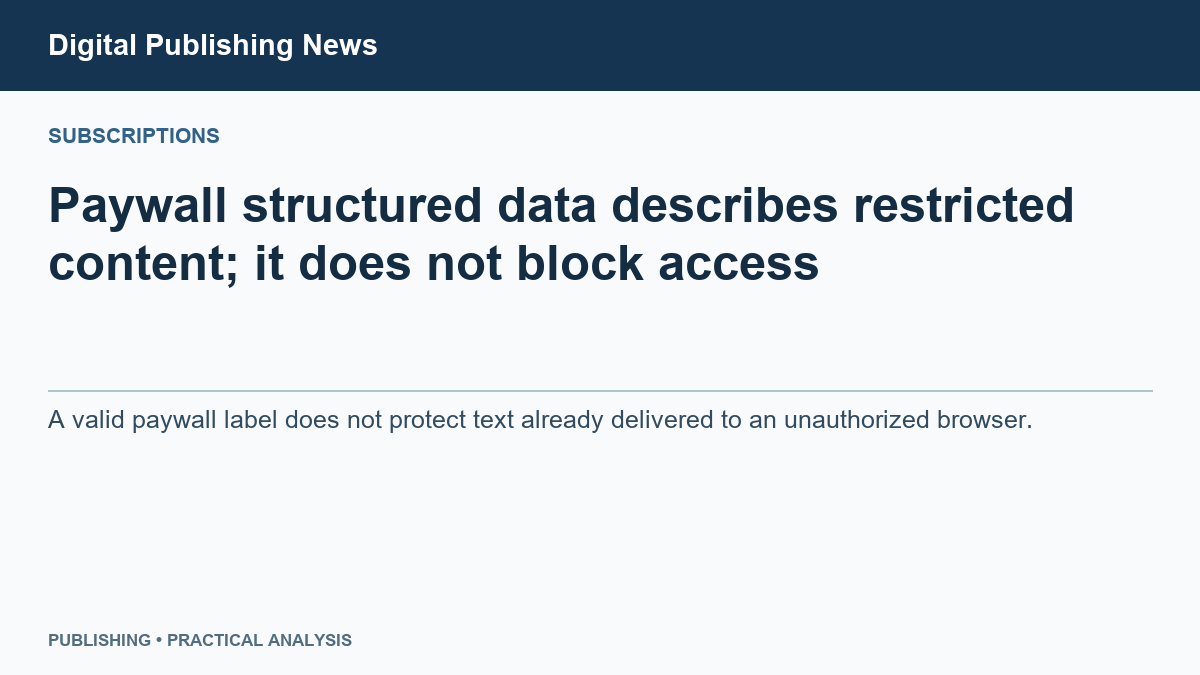
Paywall structured data tells Google which content is restricted. It does not stop a visitor from receiving that content. If your page sends the entire paid article to every browser and merely hides it visually, the metadata does not turn that into protected access.
Structured data is machine-readable information added to a page. Google’s paywall guidance explains how to identify subscription content so it can distinguish the restriction from misleadingly showing different content to search engines and readers. Actual access control is the separate mechanism that decides what a visitor is entitled to receive. (Google paywalled-content structured data ↗)
Two separate tests
- 01
Search metadata
Describes which content is behind the paywall.
- 02
Signed-out request
Checks what the server actually exposes without membership.
- 03
Paid-member request
Checks access for a valid member of the intended tier.
Decide whether the full text may reach a nonmember
A soft gate may send the whole article and hide part of it in the browser. A server-enforced gate withholds restricted paragraphs from an unauthorized response. Both can look like a paywall on screen, but they deliver different things.
Suppose a paid research report contains a valuable table. If that table appears in the signed-out response and CSS, the page’s styling code, merely conceals it, the visitor already has the data. Adding structured data changes how the page is described, not what was delivered.
| Test session | Inspect |
|---|---|
| Signed out | Raw response as well as visible preview. |
| Eligible member | Full report and promised attachments. |
| Wrong paid tier | No restricted full text or downloads if the product promises server-enforced access. |
| Search crawler | Intended crawler policy and accurate paywall markup. |
Do not let SEO settings decide the subscription product accidentally
Choose whether the product intentionally uses a soft gate or withholds paid content from unauthorized visitors. A soft gate can be a deliberate conversion choice; do not describe it internally as server-enforced protection. Keep crawler access and paywall metadata consistent with that choice.
For a report promised only to entitled members, test signed out, in the correct tier and in the wrong tier. Search the delivered page for a distinctive paid sentence, including hidden data scripts. Ask the developer to inspect any data responses that supply the report. Open the report’s attachment URL directly while signed out; protecting the article does not automatically protect a download.
Repeat after a cache refresh. Record the response and content received for each state, not just whether the screen displayed a blur or a subscribe button.
Inspect the response from each reader’s point of view
Pick a premium article and open the same URL logged out, as a free member and as an eligible paid member. Compare what each can see with the offer you made to them. If a logged-out response includes protected text behind a visual overlay, investigate how the server serves that content before focusing on the markup.
Record which passages should be public and where the protected portion begins. Compare that boundary with the page and its structured data. Recheck after template changes and membership transitions. The point is to catch a system that reports the right policy in one place while delivering the wrong reader experience in another.
Test access across cached and uncached delivery
Build a four-visit rehearsal with two accounts: a paid test member and a browser with no session. Open the same article first as the paid member and then as the anonymous reader. Repeat in the reverse order after resetting the test cache. Record the response body and what appears on screen for all four visits. Use an article whose premium section contains a distinctive test phrase so you can search the response without exposing a real subscriber’s information.
If the paid visit succeeds but the next anonymous response contains the premium phrase, inspect whether the shared delivery layer reused a response that should have stayed private. If the anonymous visit is correct but the paid reader later receives only the excerpt, investigate whether the public copy was reused for a member. Record the sequence that reproduces the problem. A screenshot of the final screen alone will miss both the response and the order that caused the failure.
Test the same boundary wherever the article is delivered. A public preview may be correct on the primary URL while a separate feed, mobile endpoint, or preview route returns more than intended. Include only the routes your own publication actually serves, and specify what each is allowed to expose. This keeps the access test tied to the product rather than to an arbitrary checklist.
Once delivery matches the offer, inspect the markup on the public page and compare it with the portion readers are meant to see. If markup and access fail together, write separate repair tickets. The first should name the wrong metadata and where it appears. The second should include the request sequence and the content that crossed the boundary. A metadata repair does not establish that the restricted response is now safe.
Add one test after the member signs out or their access expires. Reopen the exact URL in the same browser, then open it in a fresh anonymous browser. If only the first still shows the protected passage, inspect what the browser retained. If both receive it, investigate the shared delivery path. Use a test account and a harmless test passage, and record which layer you reset between runs.
Share this article
Editorial notes & history
Source verification dates are recorded in the source registry. Sources were checked November 1–2, 2026. Original frameworks are editorial analysis; numerical examples are labeled. Shaun reviewed the preceding edition. This substantive revision awaits his review.
November 1, 2026: initial draft (v0.1.0); shorter title, reading layout and original visual added (v0.2.0); literal headlines, concrete procedures and reconciled examples (v0.3.0). November 2: substantive worked analysis and publisher-usefulness review (v0.4.0); writing SOP and attribution records (v0.5.0); full-body persona critiques and corrected reasoning (v0.6.0).