Jump to a section
Start with the email that reached Gmail
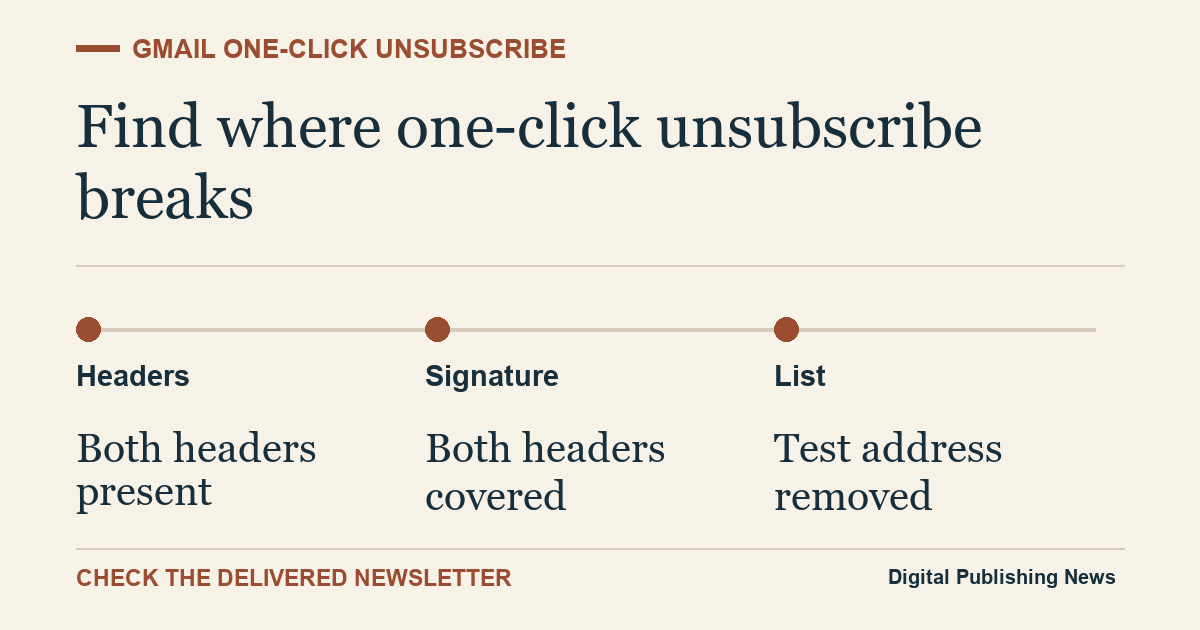
If Gmail hides the unsubscribe button next to your newsletter’s sender name, open the delivered message and check two things. First, does it carry both one-click unsubscribe headers? Second, does a valid email signature cover both? Those checks tell you whether to fix the message before investigating why Gmail chose to hide the button.
Open a recent production newsletter that reached a personal Gmail inbox you control. In Gmail’s web interface, open the message menu beside Reply and choose Show original. Look at the received message, including the headers above the email body. A provider’s test preview can use a different path from the scheduled campaign and may lack the headers you’re trying to check. (Gmail Help on viewing full email headers ↗)
Check both headers and the signature
The one-click standard, RFC 8058, uses an HTTPS address in List-Unsubscribe and a separate header called List-Unsubscribe-Post. The receiver uses an HTTP POST to request removal through that address. At least one valid DomainKeys Identified Mail signature, usually called DKIM, must cover both headers. DKIM is the signature the mail service uses to verify that signed parts of the message arrived as sent. Check the h= list in the passing signature for both header names. (IETF RFC 8058 ↗)
A link in the footer and an address beginning with mailto: serve readers in different ways. For one-click unsubscribe under this standard, read the headers of the received email and look for this shape. The example address is deliberately unusable.
List-Unsubscribe: <https://mail.example.invalid/unsubscribe/example-token>
List-Unsubscribe-Post: List-Unsubscribe=One-Click
A message can say DKIM passed and still fail this test. For example, a newsletter tool can add the two headers after a relay has already signed the message. Check which signature passed and read the header list of that signature. If neither of the passing signatures covers both headers, ask the team responsible for the last signing step to sign the delivered headers.
Use the header evidence to find the right fix
Google’s sender FAQ applies the one-click requirement to marketing and promotional mail from bulk senders to personal Gmail accounts. Google defines bulk senders as those sending about 5,000 messages or more to personal Gmail accounts in a 24-hour period, aggregated across the same primary domain. Gmail runs additional eligibility checks before showing the unsubscribe link at the top of a message. A missing button by itself leaves the cause open. (Gmail sender guidelines FAQ ↗)
For a practical comparison, take two marketing emails sent from the same publication. The weekly newsletter has both signed headers. An automated re-engagement message has a footer link and only a mailto address in List-Unsubscribe. The second message gives you a concrete lead. Check the automation’s template or sending provider before changing settings for the main newsletter.
| What you find | What to check next |
|---|---|
| List-Unsubscribe is missing or has only a mailto address | Look for an HTTPS unsubscribe endpoint in the sending path. |
| The HTTPS address is present but List-Unsubscribe-Post is absent | Check whether the provider emits the second header for that message type. |
| Both headers exist but no passing signature covers both | Inspect the last signing step or a relay that rewrites headers. |
| Both headers and a passing covering signature exist | Test removal and review Gmail’s eligibility and delivery diagnostics. |
Confirm that the unsubscribe request changes the list
Use a test address you control on an isolated list or an existing consenting test segment. When Gmail offers the button, use it and check the exact list’s subscription state in your sending platform. Use its next eligible audience preview or delivery log to verify that the address is excluded from that newsletter. A successful-looking response is useful evidence only when you can match it to actual suppression. Google recommends processing requests within 48 hours.
If both headers are valid and the test address is suppressed but the button is missing from another copy, bring your sender’s delivery and compliance data into the investigation. Keep the received headers, the message type and the timestamps together. Redact recipient addresses and unsubscribe tokens before sharing a sample. A provider can use that evidence to diagnose a particular sending path without searching through your entire account.
Share this article
Editorial notes & history
Primary sources checked Nov 14, 2026. Worked figures are illustrative. Published results are attributed to their source.